
Appointments

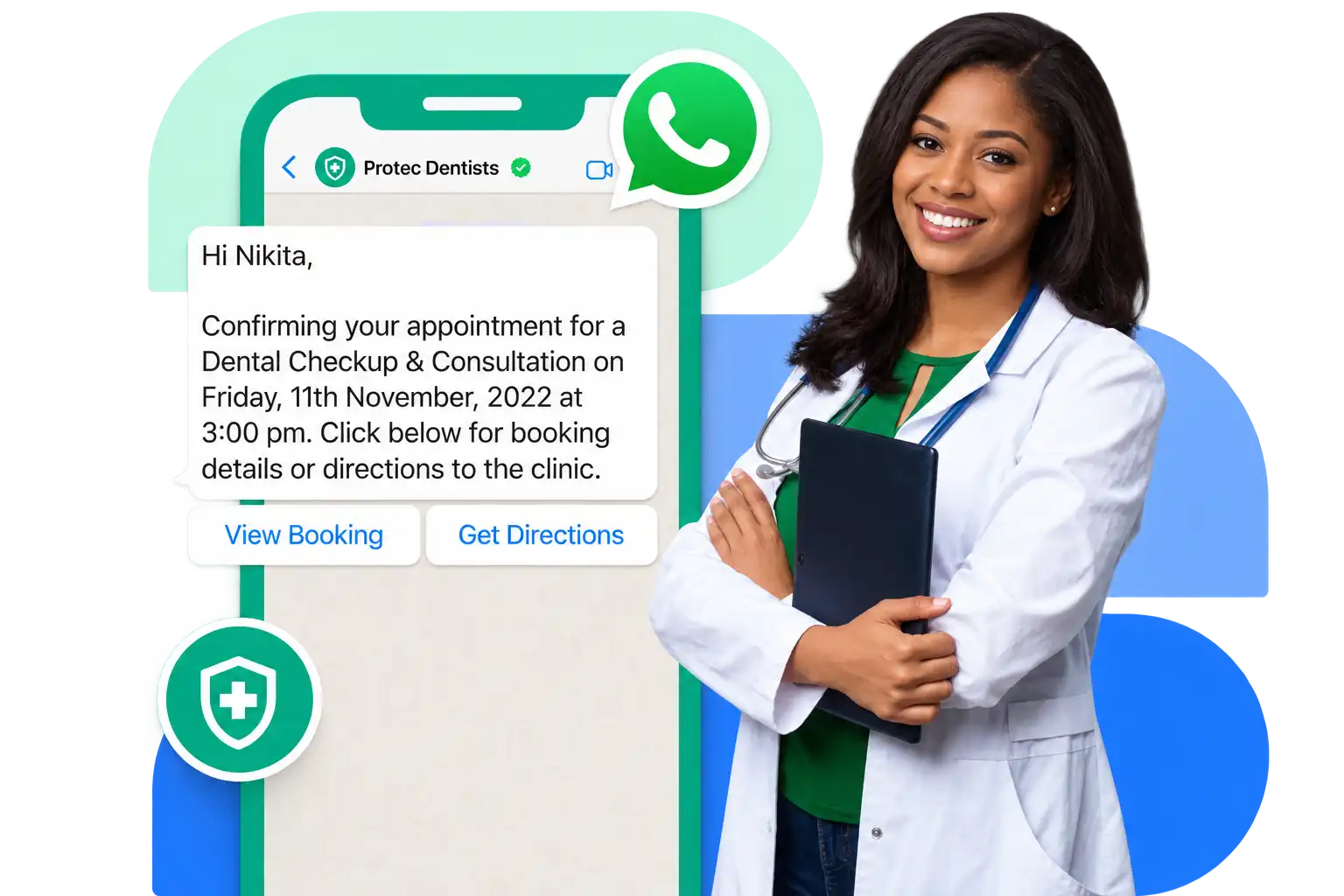
Your booking system sends the reminder

Point your scheduler at one endpoint and the approved template goes out when a slot is booked, changed or coming up tomorrow.
  • One endpoint and one workspace key, with the appointment details filled into the template as variables
  • URL buttons can carry a variable, so each patient gets their own booking or directions link rather than a generic one
  • Signed webhooks push delivery and read status back, so your system knows the reminder actually arrived
An approved template message being prepared for sending

Triage

Send people to the right department without a switchboard

A list of up to ten options lets patients pick what they need, and the conversation lands with whoever handles it.
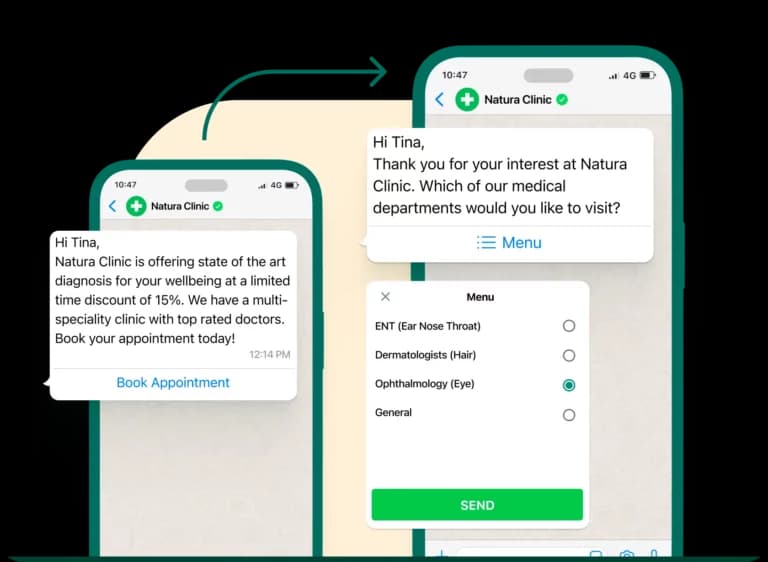
  • Reply buttons or a ten-row list let people choose instead of typing, and the agent tags the conversation as it goes
  • The AI agent answers opening hours, preparation instructions and location questions from the documents you upload, and nothing else
  • It escalates to a person the moment someone asks for one, sounds distressed, or raises anything clinical
A patient choosing a department from a WhatsApp menu

Recalls

Remind people what is due, only if they agreed to hear it

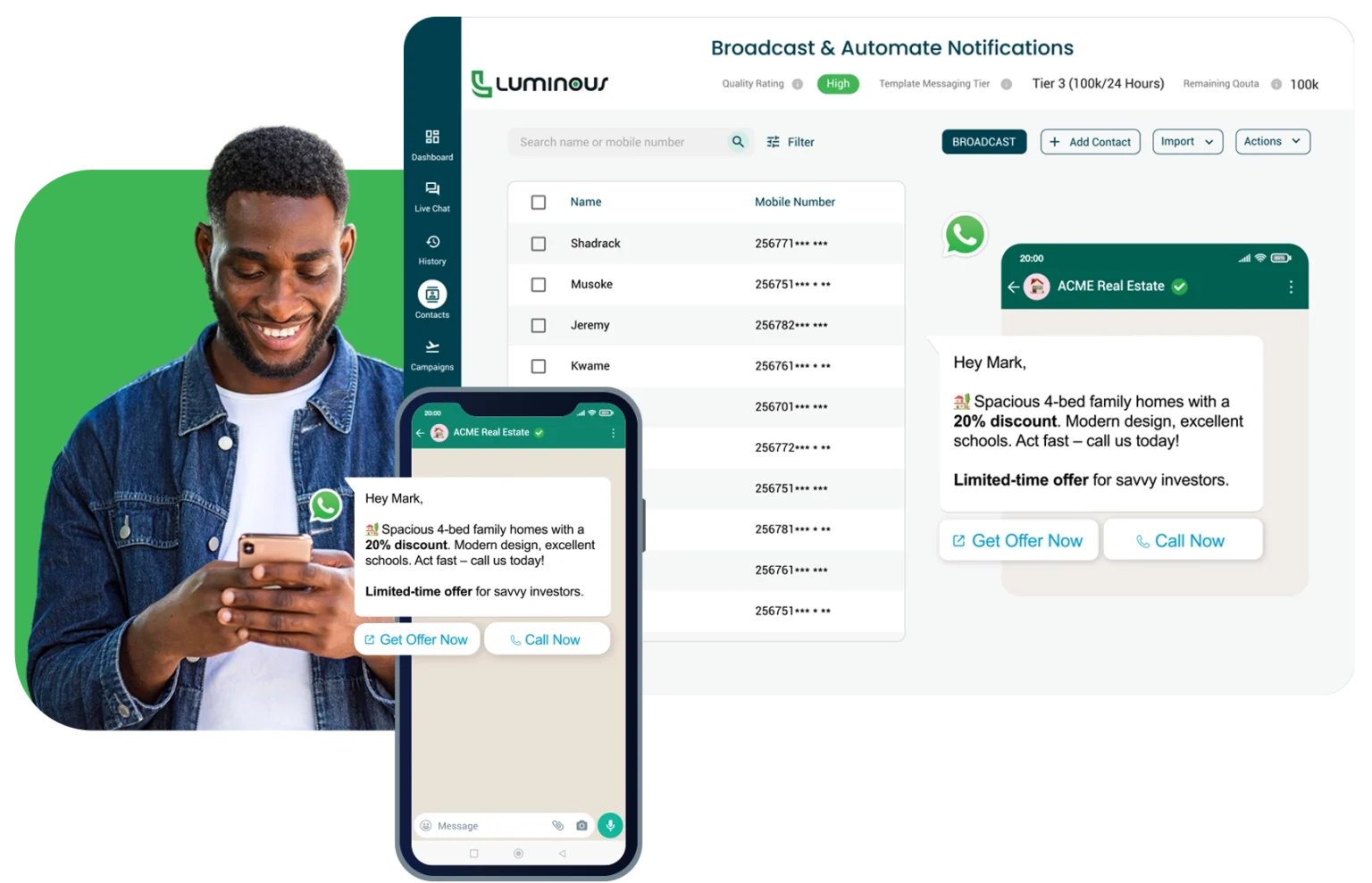
Tag by what someone is due for, then send to that tag alone. Marketing opt-outs are enforced before anything leaves.
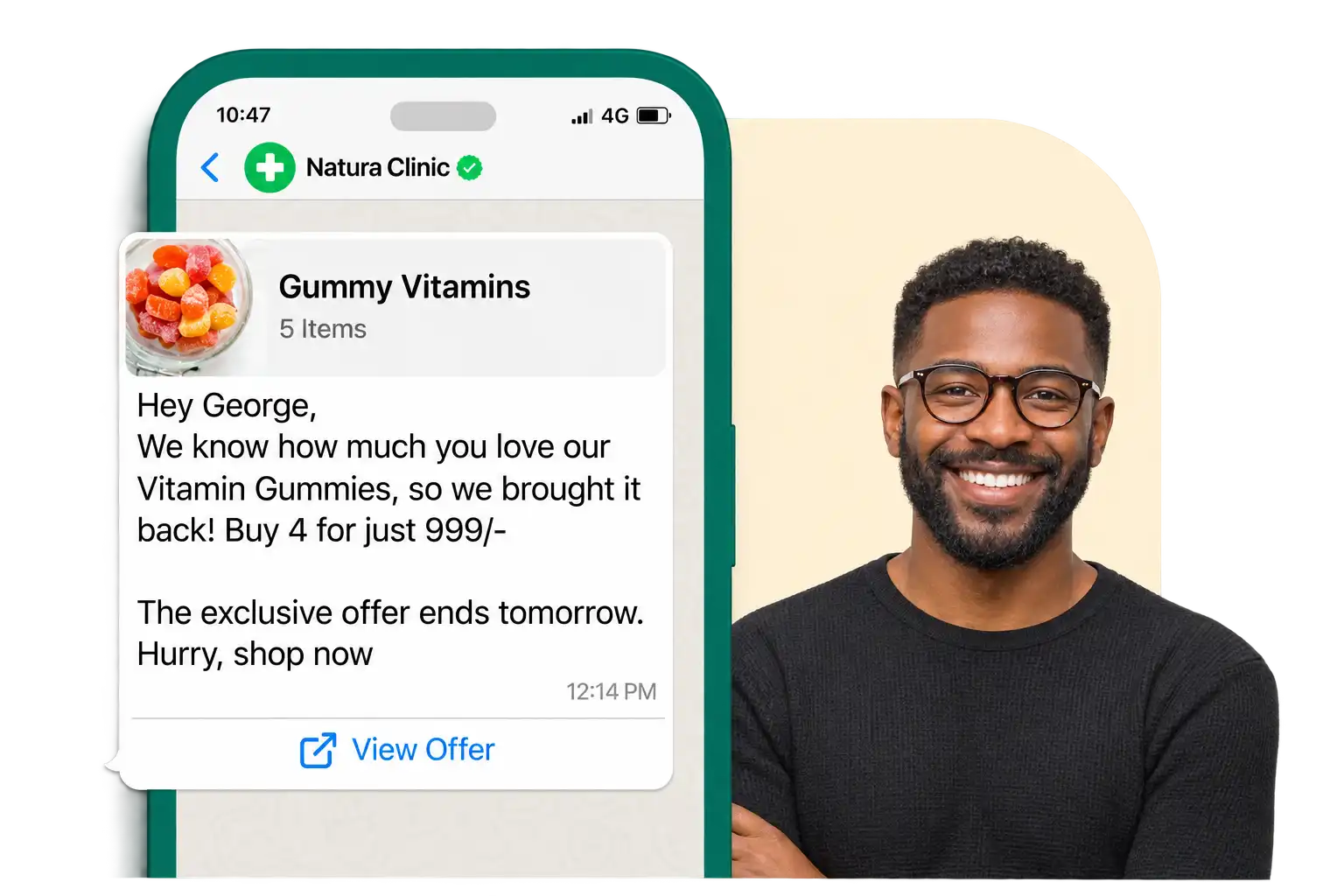
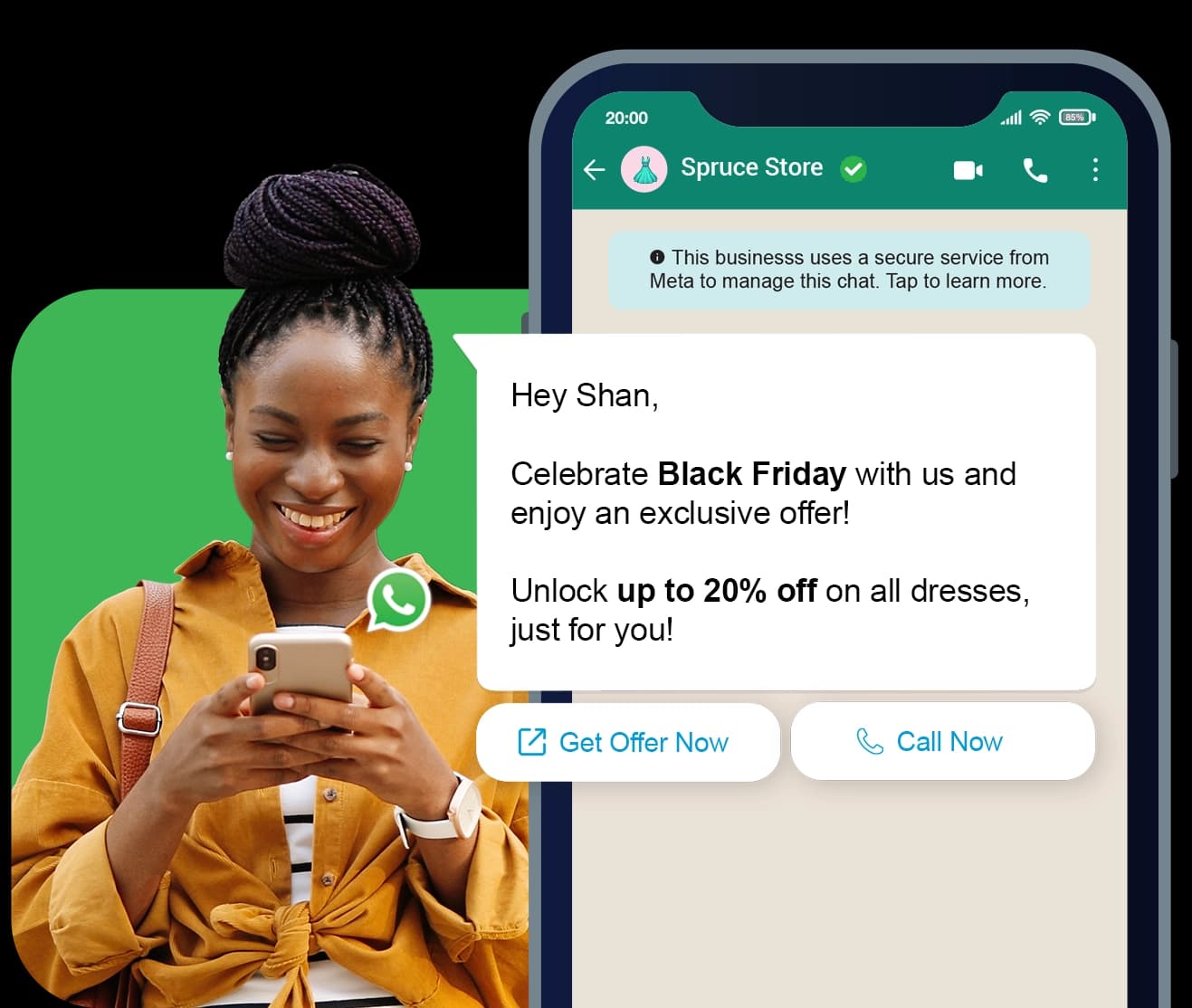
  • Filter your client database by tag with live audience counts, and send a real test to your own number first
  • A contact who has told WhatsApp to stop marketing messages will not receive one, and the check runs before the send
  • Results update live, with a per-recipient table so you can see exactly who was reached
A reminder about a product offer sent on WhatsApp

WhatsApp Forms

Ask how the visit went, in the chat

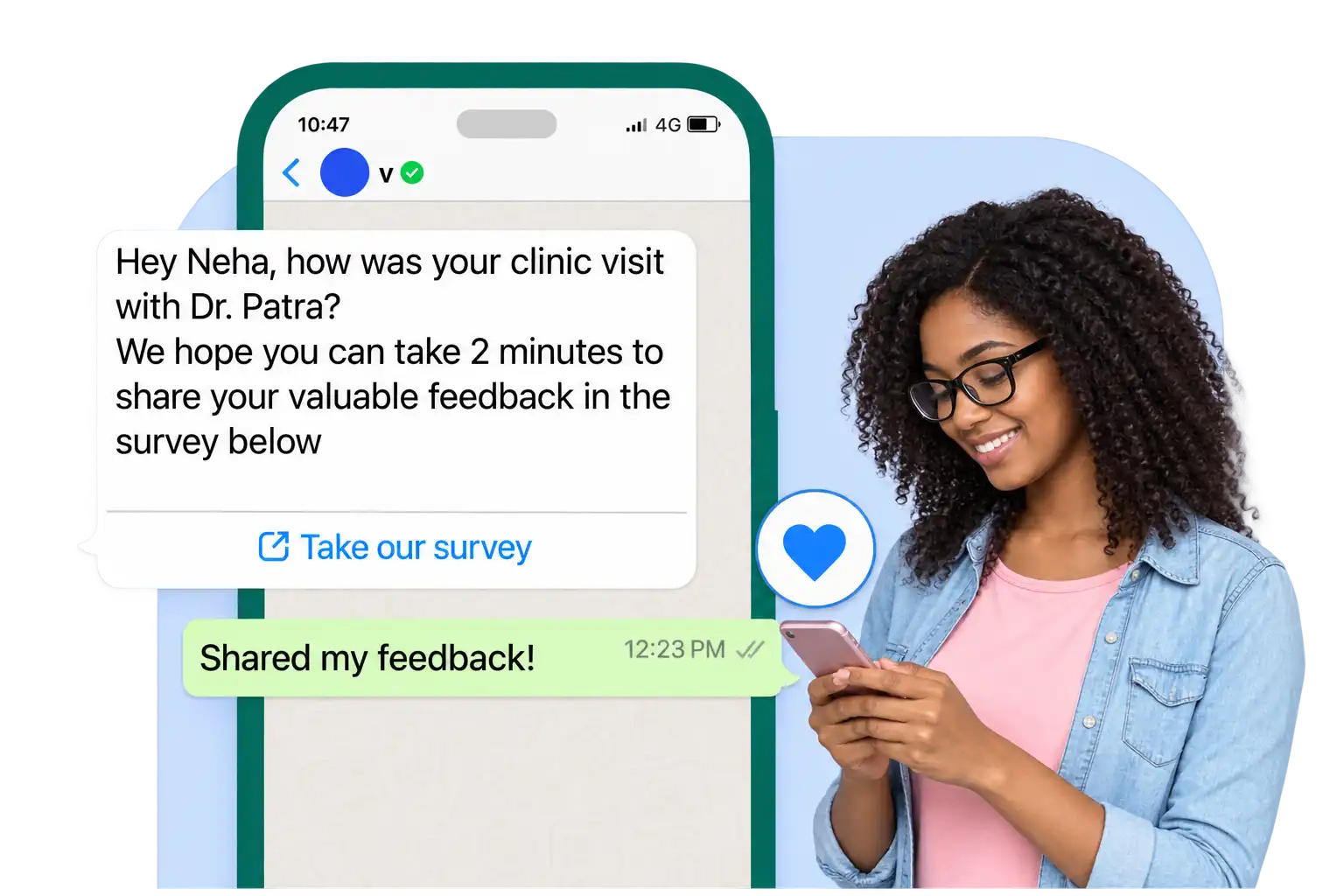
A multi-screen form opens inside WhatsApp, so nobody is sent to a browser to fill in a survey after an appointment.
  • Fourteen field types, built without code and validated before you publish so nothing is rejected on a missing label
  • Answers land in a submissions inbox per form, with a date filter and CSV export that honours it
  • Your success message is sent back automatically and the response appears in the chat timeline
A patient completing a feedback survey on WhatsApp

The practice around it

What the front desk gets once everything runs on one number.

One inbox, clear ownership

Claim, take over and transfer so two people never answer the same patient, with every hand-off recorded.

Access scoped to your workspace

Owner, manager and agent roles, two-factor authentication, and every screen scoped so nothing crosses workspaces.

Out-of-hours handled

Business hours with up to four intervals a day. Outside them the agent sends the closed message you wrote.

Records that build themselves

Everyone who messages becomes a contact, with tags and up to 30 custom attributes you define.

Put your WhatsApp number to work, free for 7 days

Unlimited seats, contacts, messages, campaigns and forms. 2,000 AI replies a month. One plan, everything included. Start today, no card needed.
Luminous CRM platform preview